
Embroidery File Formats Explained for Better Machine Compatibility
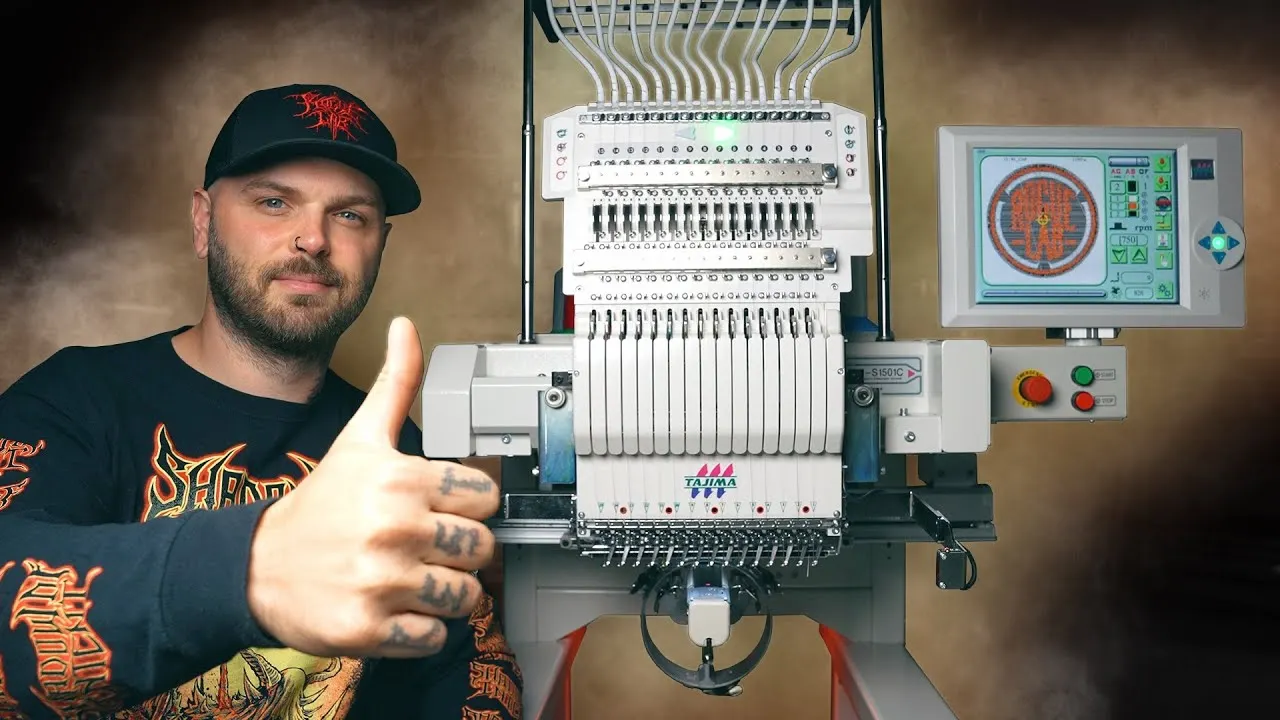
You have a gorgeous design on your computer screen. You load it onto a USB stick. You plug it into your embroidery machine. And then you get that dreaded error message: "File not supported."
I have been there. It is frustrating. You just want to stitch, but the machine refuses to cooperate.
Here is the problem. Your embroidery machine does not speak the same language as your computer. It needs a special Embroidery File Format that contains stitch commands, not just pixels. Using the wrong format is like handing a French chef a Japanese recipe. The ingredients are right, but the instructions make no sense.
Let me walk you through exactly which file formats work with which machines, why the differences matter, and how to make sure you never load the wrong file again.
What Actually Is an Embroidery File Format?
Before I dive into the specific formats, let me explain what these files actually do. A regular picture file like a JPG or PNG tells your screen what colors to display. But an embroidery file tells your machine where to punch the needle, what angle to use, how dense the stitches should be, when to change thread colors, and when to cut the thread.
You cannot just rename a JPG to .PES and expect it to work. That is like renaming a cake recipe and expecting it to bake itself. The file has to contain real stitch instructions created through a process called digitizing.
Here is another important distinction. There are two types of embroidery files. Software files like .EMB or .PXF are fully editable. They contain layers, pull compensation settings, underlay information, and everything a digitizer needs to tweak the design. Machine files like .DST or .PES are the final output that your machine actually reads. They contain only the stitch commands, not the editing data.
Think of it this way. A software file is like a cake recipe with all the notes and adjustments. A machine file is the finished cake. You cannot unbake a cake to see how it was made, just like you cannot easily edit a machine file back into its original form.
The Most Common Formats at a Glance
Let me give you a quick reference table before I dive into the details of each format.
| Format | Primary Machine Brand | Stores Colors? | Best For |
|---|---|---|---|
| DST | Tajima / Commercial | No | Industrial production |
| PES | Brother / Babylock | Yes | Home and small business |
| JEF / JEF+ | Janome | Yes | Janome machines |
| VP3 | Husqvarna Viking / Pfaff | Yes | Modern Viking/Pfaff |
| VIP | Husqvarna Viking / Pfaff | Yes | Older Viking/Pfaff |
| HUS | Husqvarna Viking | Yes | Older Husqvarna |
| EXP | Melco / Bernina | Limited | Commercial systems |
| ART | Bernina | Yes | Bernina machines |
| XXX | Singer | Yes | Singer machines |
| 10O | Toyota | Limited | Toyota machines |
Based on data from multiple industry sources
DST: The Universal Language of Commercial Embroidery
The DST format is the workhorse of the embroidery world. It was originally developed for Tajima industrial embroidery machines, and it has become the closest thing to a universal format that exists.
If you send a design to a commercial embroidery shop, they will almost certainly ask for a DST file. It works on virtually every professional machine regardless of brand.
Here is the catch. DST files do not store thread color information. When you load a DST file onto your machine, it knows exactly where to stitch, but it does not know which color comes next. You have to manually tell the machine when to stop and change the thread.
For a commercial shop running production, this is fine. The operator expects to manage thread changes manually. For a home embroiderer who just wants to press start and walk away, this can be annoying.
Another thing to know about DST files. They do not store any editing information. Once you save a design as DST, you cannot easily adjust pull compensation, underlay, or stitch angles. That is why professional digitizers always keep the original software file (.EMB or similar) and only export DST for final production.
PES: The King of Home Embroidery
If you own a Brother or Babylock machine, PES is your best friend. This format was developed by Brother and has become the standard for home embroidery machines.
Unlike DST, PES files store thread color data. When you load a PES file onto a Brother machine, the machine knows exactly what color to use for each section. It can even show you a preview of the design on the screen before you start stitching.
PES files come in different versions. Older versions (version 1) work on vintage Brother machines but lack advanced features. Newer versions (version 5 and later) support real thread color information and work with modern machines.
If you are sharing designs with other embroiderers, this version difference matters. A file saved in the latest PES format might not open on an older machine. Most digitizing software lets you choose which version to export, so you can maintain backward compatibility when needed.
VP3 and VIP: The Pfaff and Husqvarna Viking Formats
For owners of Pfaff or Husqvarna Viking machines, the landscape is a bit more complicated. These brands have gone through several format changes over the years.
VIP is the older format. It works on older Pfaff and Husqvarna Viking machines. If you have a Creative 2170 or 2134, VIP is what you need.
VP3 is the newer format. It works on modern Husqvarna Viking and Pfaff machines like the Creative Icon, Smart 300e, and Creative Vision models. VP3 files store detailed design information including color data and preview images.
Here is an important compatibility note. Newer machines that read VP3 format will usually also read older VIP files. But older machines that only read VIP cannot read VP3 files. It is a one-way street.
If you are unsure which format your machine needs, check your manual. The supported file formats are always listed there.
JEF and JEF+: The Janome Standard
Janome machines use the JEF format, with JEF+ being a newer extended version. These files store thread color information and hoop positioning details, making them fully functional on Janome machines.
Some older Janome machines used the SEW format, but this has largely been replaced by JEF in newer models. If you have an older Janome, check your manual to confirm whether you need SEW or JEF.
Like other modern machine formats, JEF files store preview images and color data. You can load them onto a USB stick, plug it into your Janome machine, and see exactly what the design looks like before you stitch.
EXP: The Melco and Bernina Commercial Format
The EXP format is used by Melco commercial embroidery systems and some Bernina machines.
One unique characteristic of EXP files is that thread color information may be stored in a separate file rather than within the main embroidery file itself. This can be confusing for beginners who expect everything to be self-contained.
If you are working with EXP files, make sure you have the corresponding color file if you want automatic thread change instructions. Otherwise, you will need to manage thread changes manually, similar to working with DST files.
ART and Other Bernina Formats
Bernina machines use the ART format. Actually, they use several variations including ART 42, ART 50, and ART 60, which correspond to different machine models and capabilities.
Newer Bernina machines may also read EXP files, especially when using a USB stick formatted for Bernina. However, for full compatibility with all machine features, ART is the recommended format.
If you own a Bernina, stick to ART files whenever possible. They store all the information your machine needs, including color data and hoop positioning.
What About the Other Formats?
You might also encounter these formats in the wild.
HUS is the older format for Husqvarna Viking machines. It is largely obsolete now, replaced by VIP and VP3, but some older designs still circulate in HUS format.
XXX is used by Singer machines. These are less common today, but if you have an older Singer embroidery machine, XXX is what you need.
CSD works on Singer EU, POEM, and Huskygram machines. This is a niche format for specific European models.
10O is used by Toyota embroidery machines. These are primarily found in Asian markets.
PCD, PCS, and PCM are older Pfaff formats. Most modern Pfaff machines have moved to VIP or VP3, but these legacy formats still appear in older design collections.
Can You Convert Between Formats?
Yes. Software tools like Wilcom TrueSizer, Embrilliance Essentials, and Embird Studio can convert between different machine formats.
However, there are limits. When you convert a DST file to PES, you are not adding color information. The DST file never had color data to begin with, so the resulting PES file will not automatically know thread colors. You would need to add that information manually.
Also, converting between formats does not improve stitch quality. If the original file was poorly digitized with bad pull compensation or incorrect density, converting it to a different format will not fix those problems. Garbage in, garbage out.
The best practice is to always keep the original software file (.EMB, .PXF, or similar) from your digitizer. That file is fully editable. From there, you can export to any machine format you need without losing quality.
Which Format Should You Use?
Here is my simple advice.
If you own a Brother or Babylock machine, use PES. It stores color information and works perfectly with your machine.
If you own a Janome machine, use JEF.
If you own a modern Pfaff or Husqvarna Viking, use VP3.
If you own an older Pfaff or Husqvarna Viking, use VIP.
If you own a Bernina, use ART.
If you are sending a design to a commercial embroidery shop, send DST. It is the universal format that every shop can read.
If you are unsure what your machine needs, check your manual. Every embroidery machine manual lists the supported file formats. When in doubt, DST is the safest bet for broad compatibility.
Conclusion
Embroidery file formats do not have to be confusing. Every machine brand has its preferred format. Brother wants PES. Janome wants JEF. Pfaff and Husqvarna Viking want VP3 or VIP. Bernina wants ART. And commercial shops universally accept DST.
The most important rule is this. Always keep the original software file from your digitizer. That .EMB or .PXF file contains all the editable information. From there, you can export to any machine format you need without losing quality.
Your machine is ready to stitch something beautiful. Give it the right file format, and it will run smoothly every time.
 English
 Arabic
 French
 Spanish
 Portuguese
 Deutsch
 Turkish
 Dutch
Dutch
 Italiano
 Russian
 Romaian
 Portuguese (Brazil)
 Greek
Greek